
- Click "Sign In" on the top right hand-corner

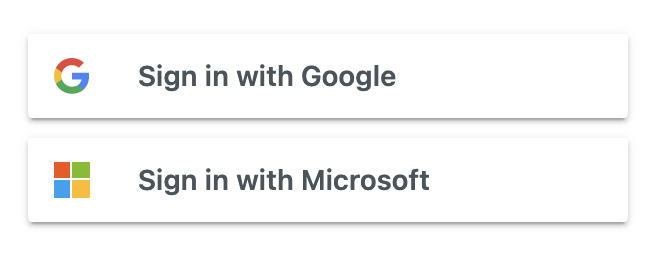
- Click login with Google or Microsoft, whichever your organization uses
- After logging in, click on your name on the top right-hand corner

- Then click "My Activities" in the drop down menu
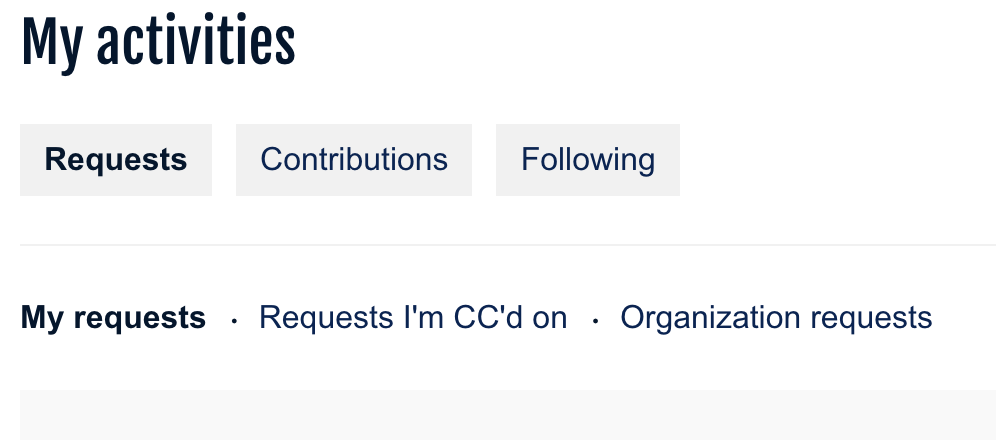
- Once on the activities page, select "Organization Requests"
What can we help you with?
Comments
Article is closed for comments.